Choose a mode
Pick the mechanic that matches the skill you want to practice.
FREE ONLINE TYPING GAMES
SnakeKeys turns keyboard practice into a collection of Snake games. Every mode has its own rule set: rotating letters, fixed controls, home row, A–Z sequences, complete words, adaptive prompts, speed drills, accuracy runs and fruit-word challenges.
CHOOSE YOUR GAME
The game cards now lead to dedicated URLs. Each page has a unique keyword target, gameplay rule, learning goal, copy, art style and FAQ.
A gentle A–Z typing Snake with rotating direction keys.
Open game →COREClassicStandard WASD controls for a stable arcade run.
Open game →LEARNHome RowHome-row-only controls for ASDF and JKL practice.
Open game →FLUENCYWord SnakeType complete words to control turns and build real WPM.
Open game →A–ZAlphabetMove through ordered A–Z control blocks.
Open game →RECALLDynamic KeysThe four direction letters remap after every fruit.
Open game →PERSONALAdaptivePractice with more weight on your locally weaker keys.
Open game →SPEEDSpeed SnakeA faster run with aggressive acceleration.
Open game →FOCUSAccuracy SnakeOne wrong letter ends the run.
Open game →NEWFruit Word SnakeType the word on the fruit and send the snake to collect it.
Open game →HOW SNAKEKEYS WORKS
The movement loop stays recognizable, while each page changes what you have to type to make the next turn.
Pick the mechanic that matches the skill you want to practice.
Use the on-screen letters or words to queue the snake’s next safe turn.
Food increases the score, length and difficulty of the run.
Compare accuracy, input rate, streaks and local keyboard mastery.
YOUR PROGRESS
WEAK KEYS
SNAKE TYPING PRACTICE
Traditional drills ask you to repeat letters or copy text. SnakeKeys adds a moving consequence: the key you type determines where the snake goes next. That creates a loop of keyboard recognition, spatial planning, timing and correction.
The goal is not to pretend every mode measures the same skill. Letter modes report keys per minute, word-led modes report WPM, Dynamic Keys keeps changing the controls, Adaptive pushes weak letters, Speed accelerates hard, Accuracy punishes mistakes and Fruit Word Snake makes you type the fruit word before the snake rushes toward it.
PICK THE RIGHT MODE
 New to Snake Typing?Start with rotating A–Z controls.
 Want arcade consistency?Use the standard WASD map.
 Practicing touch typing?Stay on the home row.
 Learning letter locations?Progress through A–Z blocks.
 Want real WPM?Type complete words to turn.
 Need sharper recall?Play with controls that remap after every fruit.
 Need targeted practice?Let the game surface letters you miss more often.
 Training raw pace?Use a faster version of Classic.
 Fixing mistakes?One wrong letter ends the run.
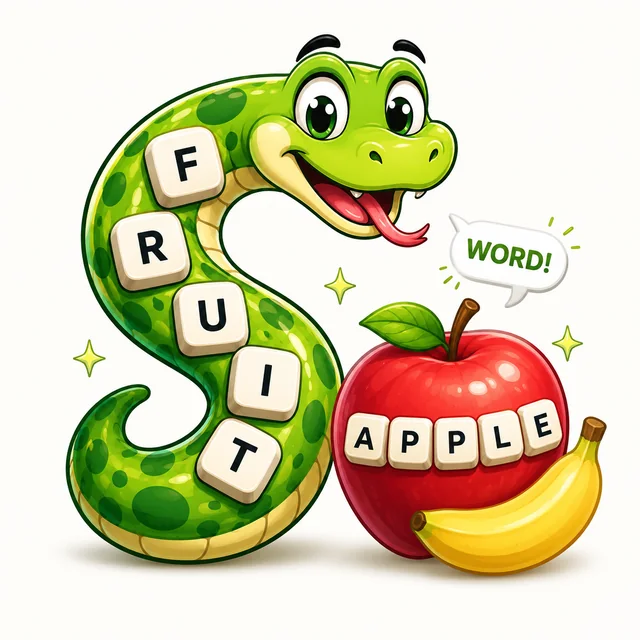 Want a new challenge?Type the fruit word and send the snake to collect it.
SNAKE TYPING FAQ
Answers about the SnakeKeys game mechanics, typing metrics, progress storage and which mode to choose.
Snake Typing combines the movement and survival rules of Snake with keyboard practice. In SnakeKeys, letters or words control the snake instead of the arrow keys.
Open a dedicated SnakeKeys game page, read its current controls and type the letter or word assigned to the turn you need. Collect food, grow longer and avoid walls and your own body.
Yes. The current SnakeKeys games run free in a modern browser and do not require an account or download.
Start with the Snake Typing Game page for the easiest all-round introduction. Classic keeps four fixed controls, Alphabet uses ordered A–Z blocks and Home Row focuses on the central keyboard row.
SnakeKeys records valid inputs, errors, streaks and input timing during play. Word Snake also reports WPM because it uses complete word entry.
Classic uses one fixed four-letter control map for the entire run. Home Row draws its controls only from A S D F G H J K L and remaps them during play.
Yes, locally. Your current profile is stored in localStorage on the device and browser you are using. It is not uploaded by this build.
The pages are responsive, but SnakeKeys is designed to train physical-keyboard recall. A hardware keyboard is recommended for the intended learning experience.